LaTeX templates and examples — Bibliographies
Find out how to create bibliographies in LaTeX quickly and easily with these example bibliographies using packages like bibtex, biber, natbib, and biblatex.
Recent
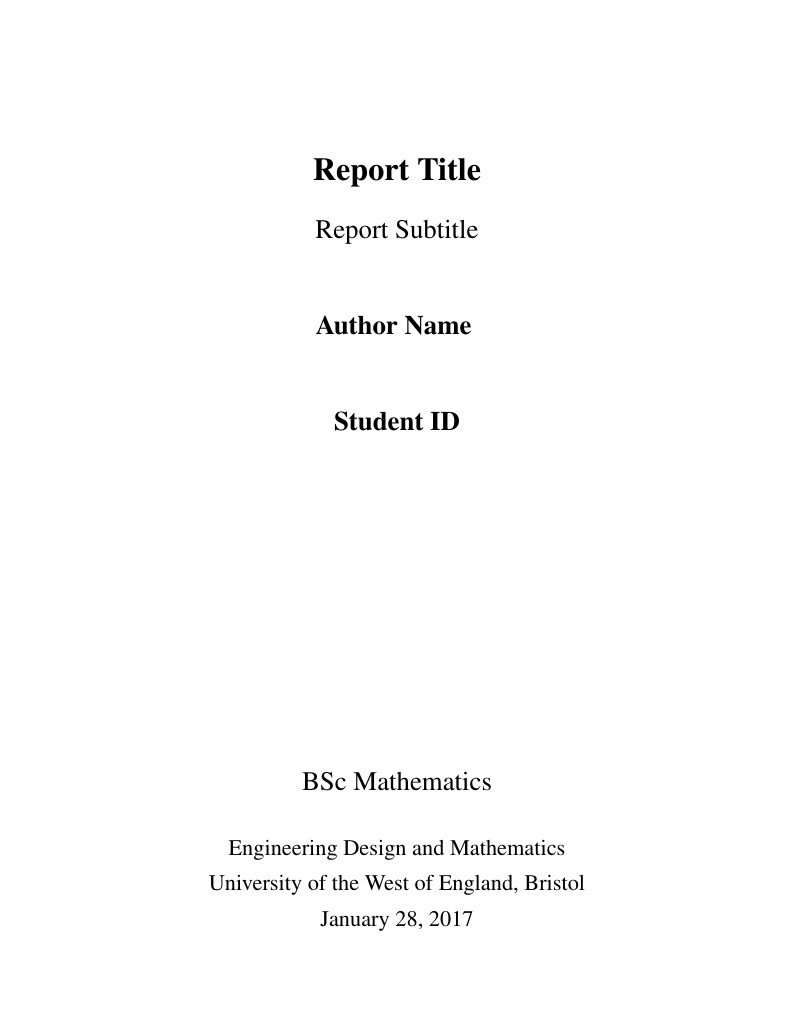
An example template of how to create a dissertation style for UWE Bristol (BSc Mathematics/Mathematics and Statistics programme) with margins compatible with MS Word templates (so correct for page limit rules). This also allows you to separate out References and Bibliography entries.
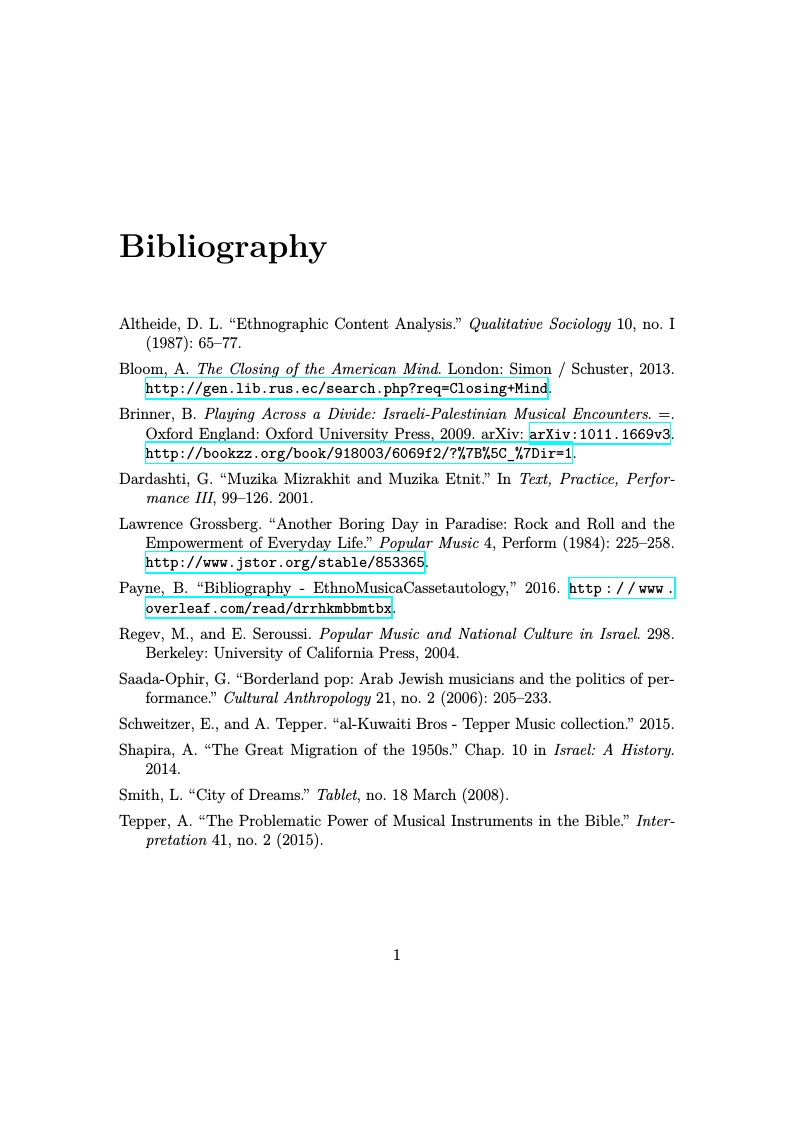
Print only your Bibliography in the Chicago Author-Date format. Simply change the line \bibliography{musicBib.bib} to the name of your BibTeX or BibLaTeX file and upload your .bib file to the project.
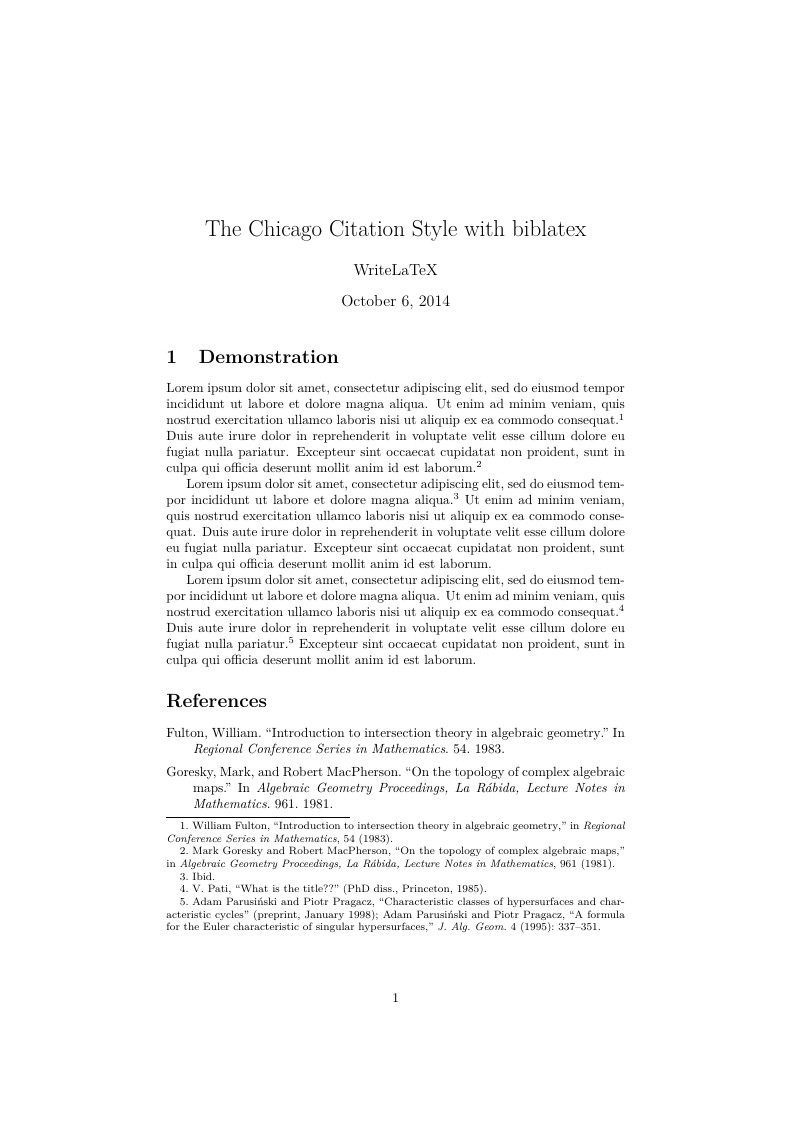
The biblatex-chicago package implements the citation style of the Chicago Manual of Style, 16th edition. In this example, the notes option causes biblatex's autocite command to put citations in footnotes. The package can also produce inline author-year citations in the Chicago style. See the package documentation for more information.
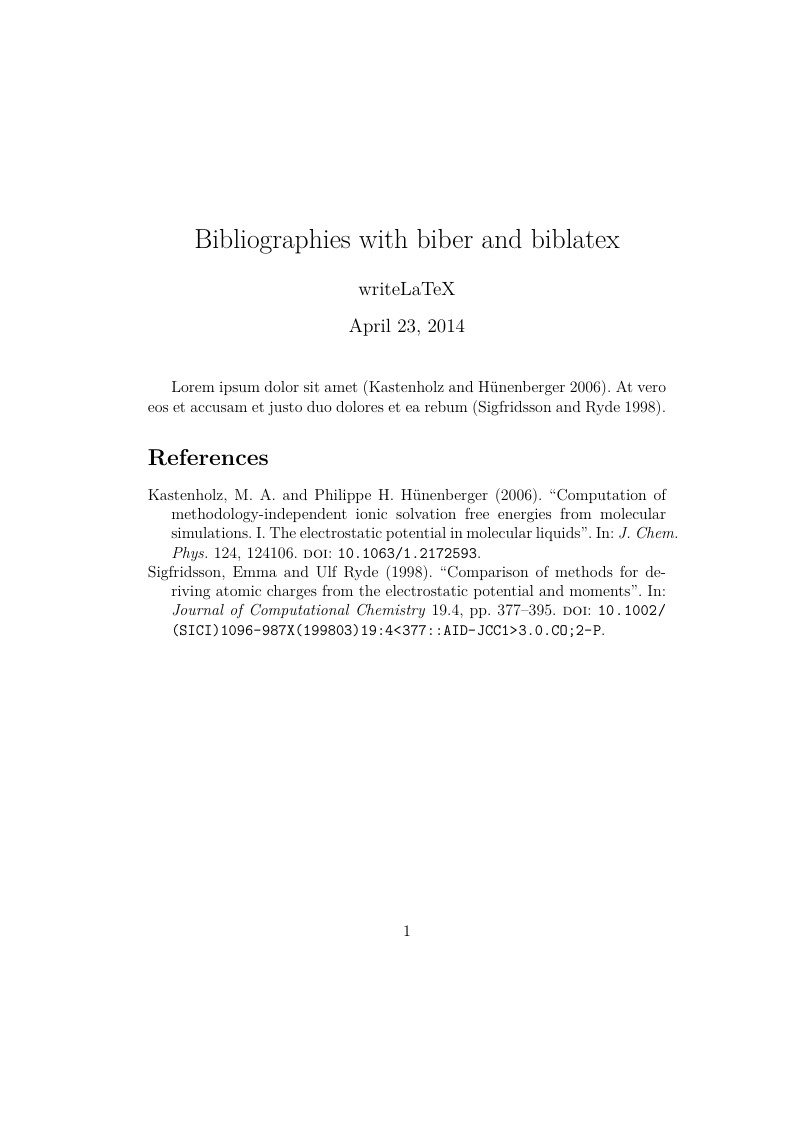
This example shows how to automatically generate citations and a bibliography with biblatex and biber. Biblatex and biber work together to automatically format references and citations like the older cite or natbib and bibtex tool chain, but they offer more powerful and easier to use formatting and better support for special characters (unicode). For a full list of biblatex styles, see the user guide in the biblatex manual.
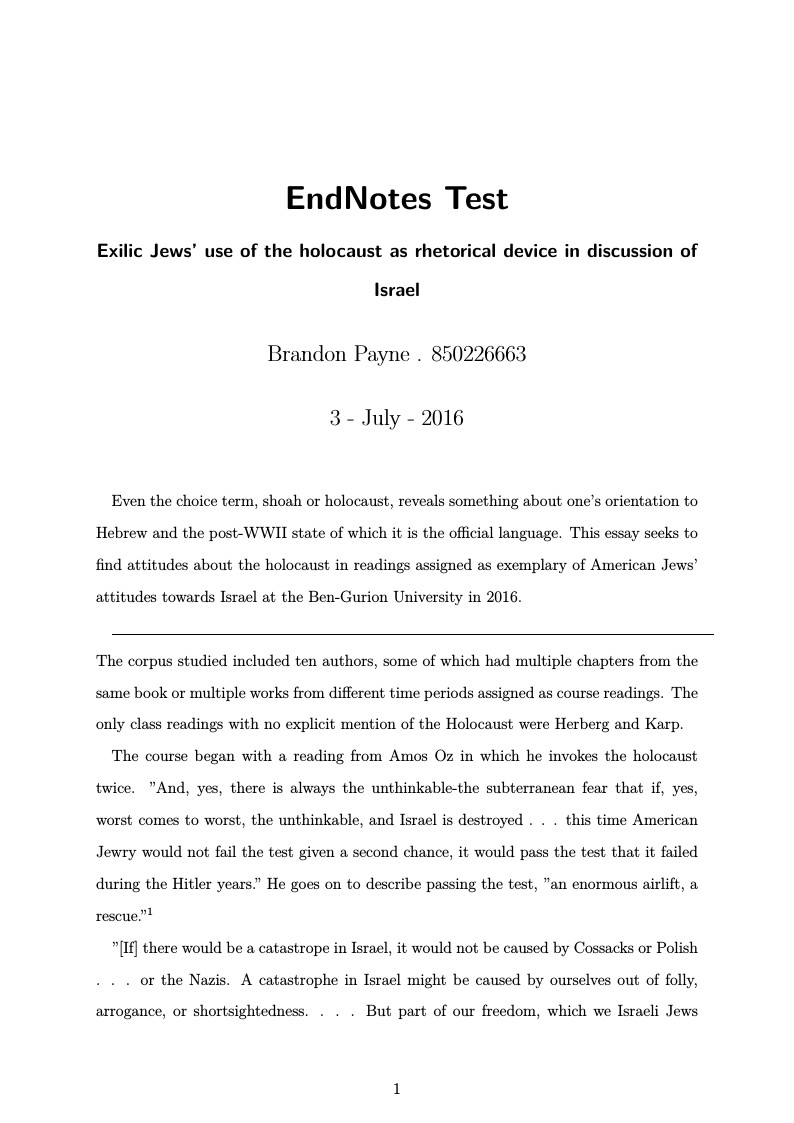
Ben-Gurion University of the Negev. Requested format for History papers in 2016.

An “unofficial”, not-so-plain thesis template for Imperial College London that meets the list of submission requirements. Each chapter has its own reference section, which is populated exclusively with the citations from that chapter.
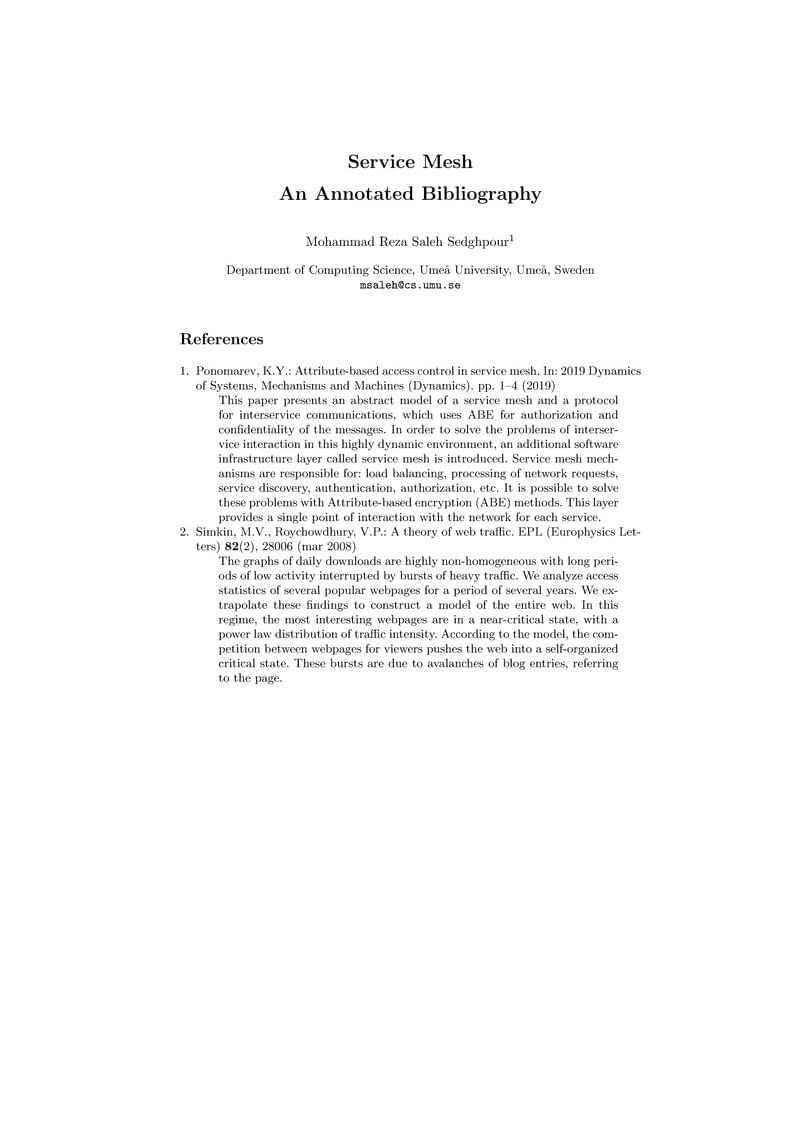
Simple annotated bibliography template, based on Lecture Notes in Computer Science bibliography styles.
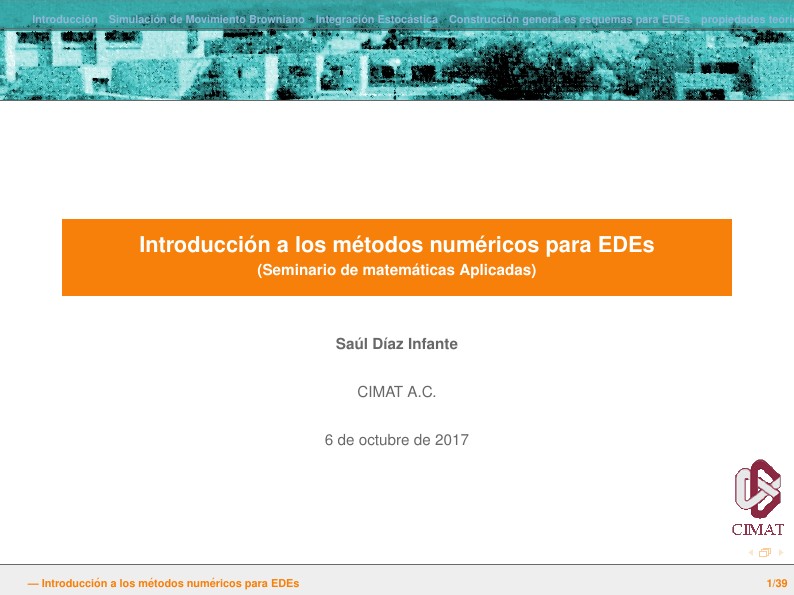
Beamer presentation with bibunits features, and header formatting alternatives.

Hebrew / English Chicago Style History Paper, with the DOI fields suppressed in the bibliography, based on instructions from here, here and here.
\begin
Discover why over 30 million people worldwide trust Overleaf with their work.